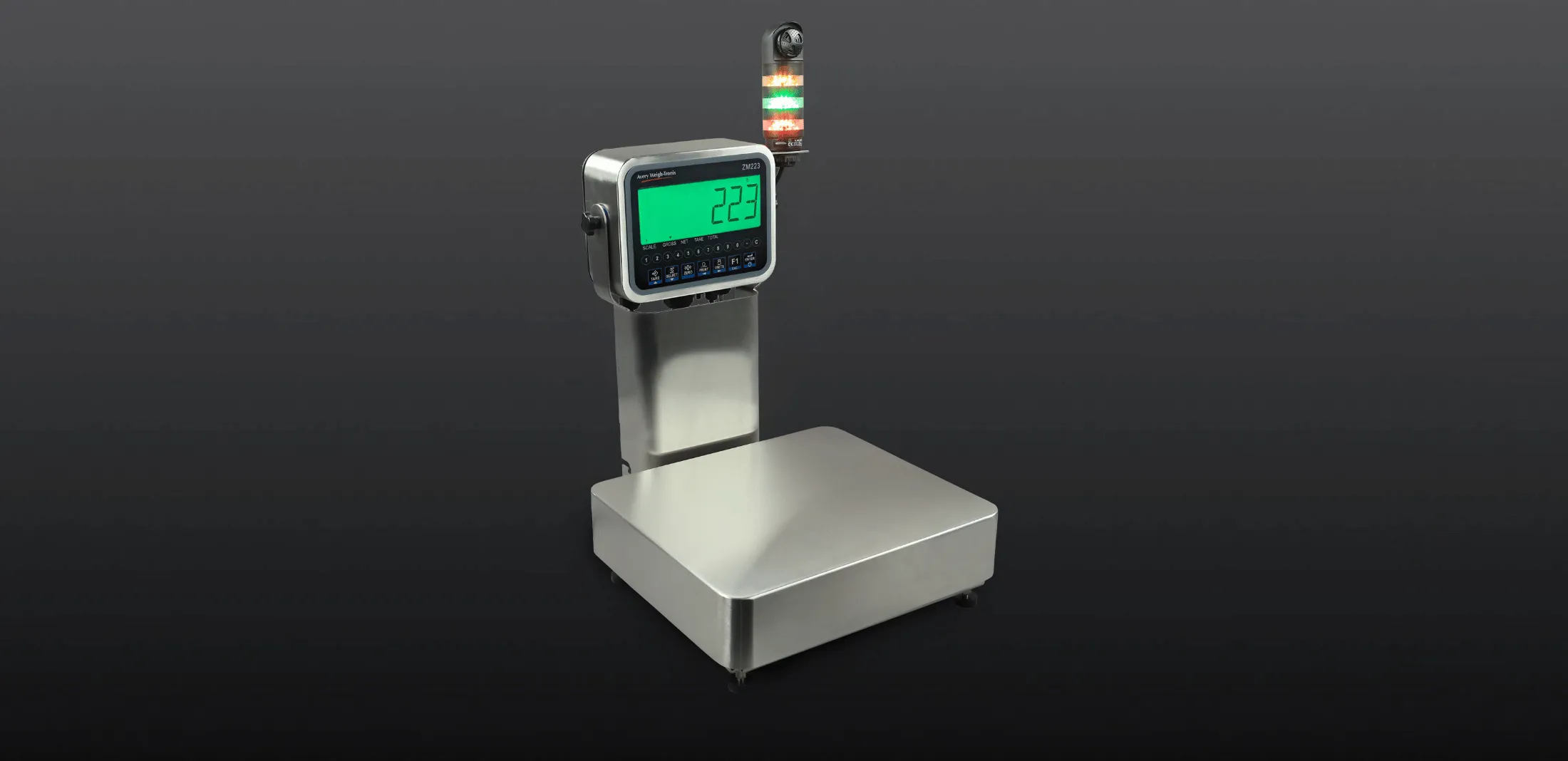
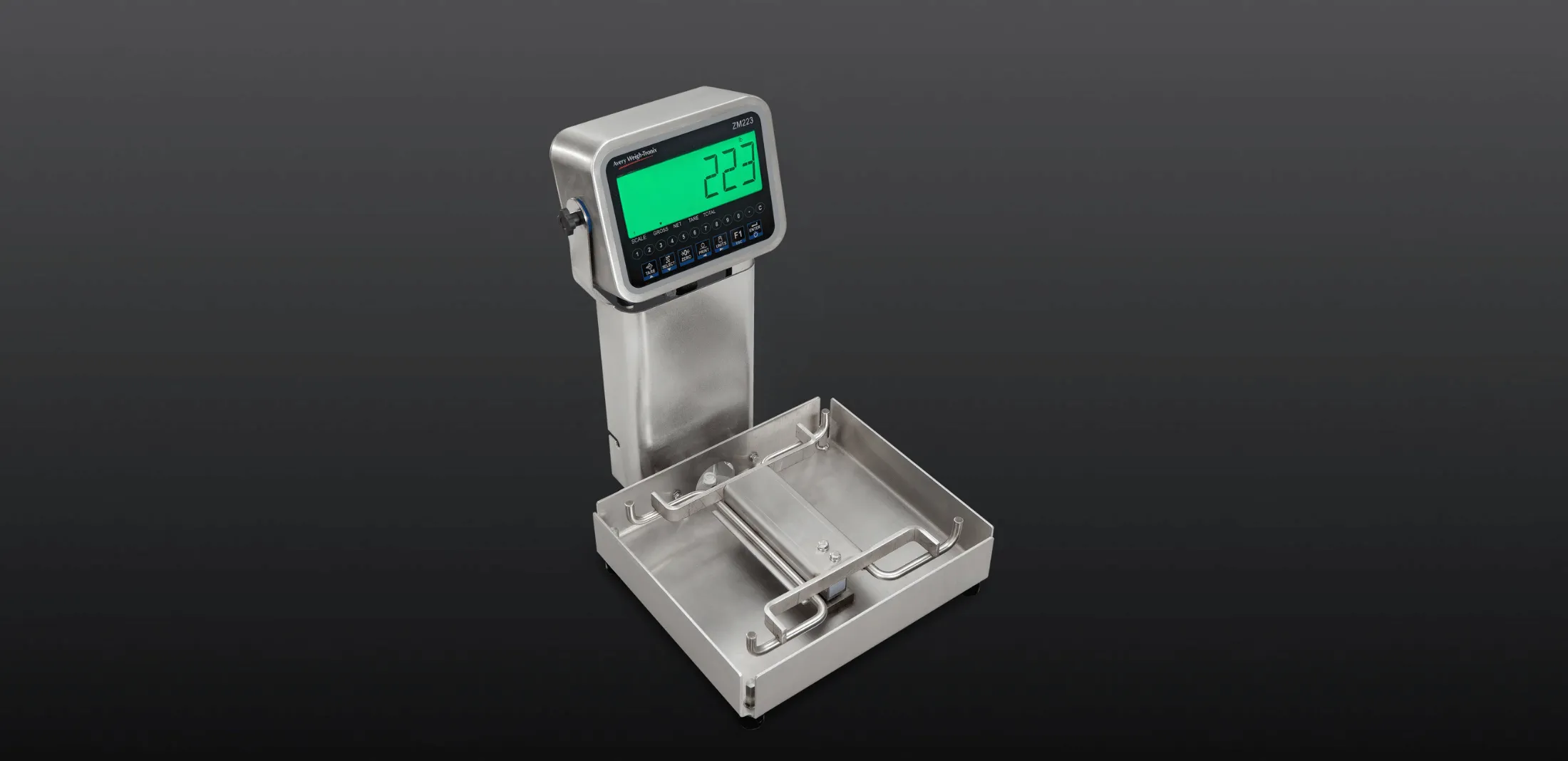
The scale comes with a robust IP69K fully stainless-steel Torsion base design. This then provides well over 500% overload and shock load protection to protect the loadcells from damage.
ZM223 Checkweigher System
High resolution digital bench scale with Checkweighing & count Checkweighing functionality
Overview
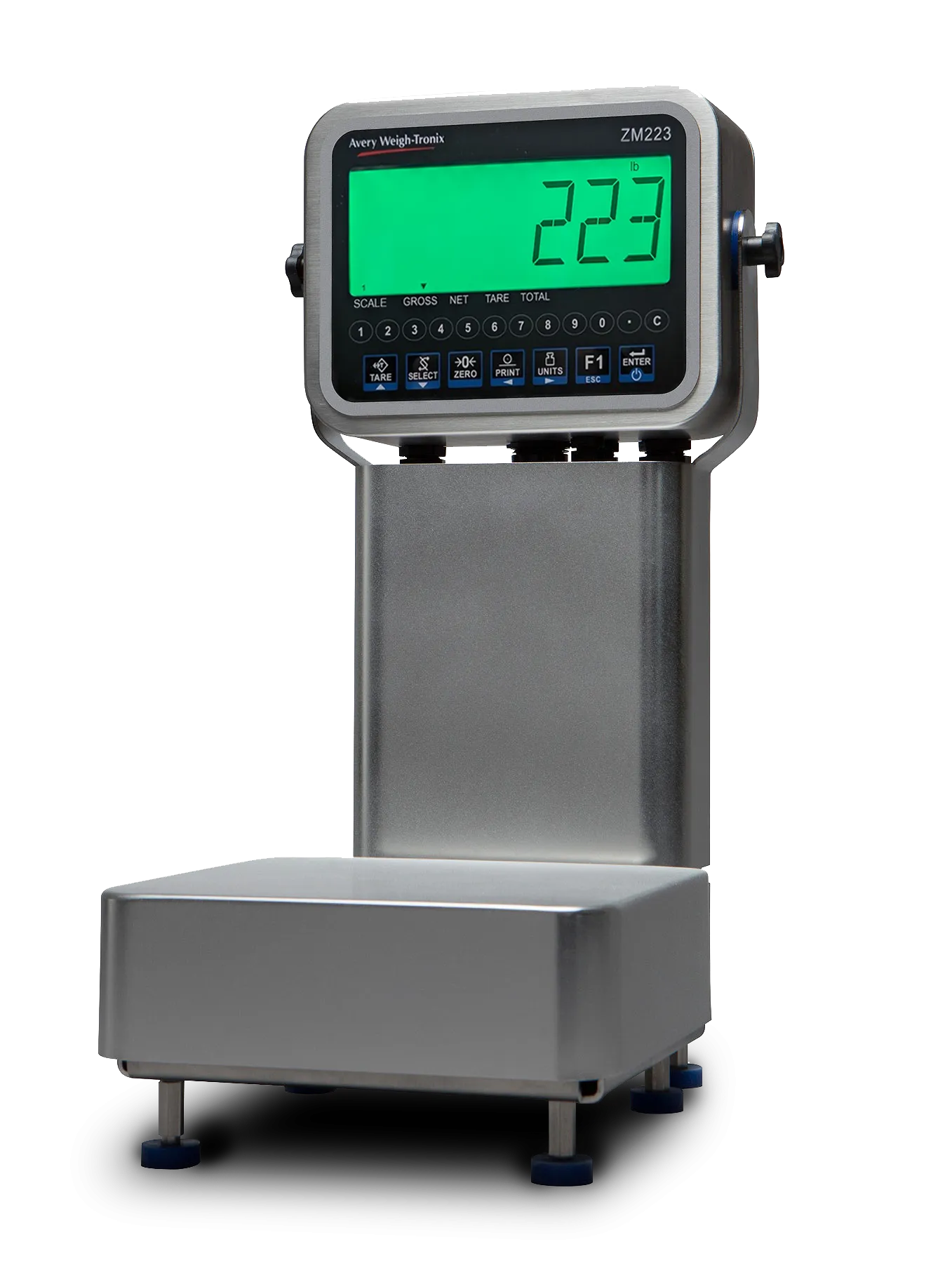
Featuring NSF approved food-grade, fully stainless-steel construction, easy to clean IP69K full washdown Checkweigher that has been designed to work efficient on any busy food processing lines, meat cutting floors to QA inspection station.
The legal for trade ZM223 Checkweigher System is fully washdown, food grade 304 stainless steel checkweigher that is NSF ANSI 3-A approved for use with raw meat, fish & vegetables. This robust ZM223 static Checkweigher has been cleverly designed to be used within a wide range of food-safe applications. From busy meat deconstruction halls to QA monitoring stations through to fast moving process packing lines.
ZM223 Checkweigher System features:
The indicator uses a larger clear easy to read HTN display with color changing Backlight to show the under over & accept bands.
The ZM223 Checkweigher System has been specially designed for fast repetitive work that will not overload the operator with unnecessary data. Key statistical data can be easily gathered in the background to help improve production efficiencies and provide valuable early warning of any small changes within the process line.
Designed to provide a stable weight reading in under 0.43 of a second making it much faster than any operator can work. Fast and very simple to setup with up to 500 PLU data storage slots for storing different products accept weight bands, ideal for fast product line change overs.
Statistical data capture like standard deviation or X bar R along with other weight data can also be quickly captured in the background and transferred out to a back-office PC, phone or tablet using one of the following Bluetooth, RS232, USB, Ethernet, or WIFI communication ports found within the ZM223.
The ZM223 comes with 5 dedicated software Checkweighing applications designed to speed up most busy process lines or quality control inspection spot checking stations
SIM software application (Target Weight deviation)
- A proven Checkweighing program for operator speed and efficiency, ideal for repetitive operator packed products. Designed to be fast and very simple to set up and use. This program works off a known target weight that is shown on the display as a 0 weight when set. This program provides the operator with the basic information they need for speed and efficiency. This also provides a fast indication of how far off the target point the weight is by the number of weight divisions. To also aid the operator the display back light color with change to green to show when a weight is in the ACCEPT band. (UNDER will be red and OVER will show orange) . A checkweigh barograph is also visible with 6 under segments and 6 over segments to help guide the operator how farw away the weight is from the accept band.
- Each 6 segmented identifiers can also be easily modified to represent the product being packed. If the operator sees 3 red under segments illuminated the operator quickly know they need to add in 3 extra items to get the reading back to within the accept weight window band.
Line setup
This application provides one of the fastest line setup features on the market today. By having a known test weight available, the line supervisor can quickly reset all the scales on the line within a minute just by placing the test weight on each scale and pressing the target key on each scale.
Limitations using this SIM software program: this program limits some of the weight data you can gather in the background from this scale due to how the scale operates. By working off a target point you cannot track data like the average Net or gross weights.
MID software Application (Actual weight positive Checkweighing)
Fully designed for both operator speed and accuracy, with the ability to gather other valuable weight data in the background, MID can be used for packing products with an operator or used by a quality inspector to monitor the lines efficiencies.
Like SIM this program, MID also works off a target weight but instead of displaying a zero weight at the target weight the MID program displays the actual weight along with the display backlight turning green ACCEPT.
Like SIM the MID program the display backlight color will change depending on the checkweigh state it is in, Red UNDER, green ACCEPT and orange OVER. Also to aid the operator there is a checkweigh bargraph with 6 UNDER segmented and 6 OVER segments to help show how far away the weigh is from the ACCEPT weight band.
To aid the operator even further, each of the UNDER or OVER 6 segmented can be easily modified to represent the weight of 1 item. At a glance, the operator can quickly add or remove an item to get the weight reading back within the ACCEPT weight band. Subject to how the scale is being used it can also print weight tickets, if needed, along with other regularly used weight data like tare weights, net weights and gross weights.
Fast Line setup: Programs like the SIM, the MID Program allows production staff to quickly set up each scale in seconds just by using a known test weight and them pressing the target key on each scale.
Turning off the display weight digits so the operator only follows the backlight colors is prefect for fast repetitive process lines. By turning off the weight digits this enables the operator to remain focused for longer periods of time while increasing product line throughput.
Limits or target points: subject to the customer preference, some customers still prefer to set the ACCEPT weight window parameters the longer way by using a known weight limits and not using a target point with tolerances. Designed to work in both data entry methods, the ZM223 can also set the accept window limits remotely from a PC or tablet.
Negative Checkweighing
This specially designed program is one of the most efficient ways to weigh out key ingredients directly from a bulk batch positioned on the scale. The operator removes the right amount of ingredient from the bulk container until the Accept light comes on. At this point the ZM223 will automatically re-tare the display ready for the next portion of ingredient to be picked. The picked portion of ingredient can quickly be placed into its own container on a moving conveyor and the process is repeated. This basically removes the process of the operator needing to keep placing the empty container on the scales before filling.
Advanced Checkweighing software application with up to 500 PLU storage
Ideal when you need to also gather other valuable data in the background without slowing down the operators or the process line. This software program also allows you to store up to 500 preset Checkweighing weight band parameters to help speed up line setup.
This Advanced Checkweighing package works the same as the MID program. It also allows you to run other statistical data capture programs in the background, Data capture programs like standard deviation or X bar R.
X bar R Trending data capture
Valuable way to capture data to help to track trends and performance patterns to allow you to maximize your production run times and reduce unwanted giveaway.
Standard deviation program
Used to monitor and improve efficiencies or to record a list of data. For example: number of samples that were over, under or fell within the accept band; the average sample weight; the highest and lowest weight recorded and the overall standard deviation of that pack run.
Today 80% of all static checkweighers are also used to capture data by quality inspectors to help monitor weight changes at key critical points of the process line. By being able to spot small weight changes within a process line can be vital to the product being produced. This information can also be used to give you an early warning of any possible machine failures way before it happens.
Percentage Checkweighing software application
Designed to work alongside meat brine injection machines to help track and monitor the percentage weight gain in meats.
By regularly weighing portions of meat before and after it goes through the brine injection machines. This provides the operator the vital percentage weight gain data needed to keep the injection machine running fast and efficiently. The ZM223 can be set to display and record the actual percentage weight gain per each piece of meat tested. This data is displayed both as percentage and visually with the display backlight changing to Green when in the correct ACCEPT Weight band window.
Grading Software application
In a lot of meat deconstruction applications, reducing the amount of waste is essential to any fast-moving process line. Being able to quickly sort prime cuts of meat into required weight bands and sorting offcuts by weight for other usages can greatly reduce delays and speed up the processing.
The ZM223 can easily be configured to work in grading mode with up to 10 different weight grading bands. This allows an operator a fast and efficient way to sort cuts of meat into different weight bands.
This program also allows you to accumulate the quantity and weight per grading band.
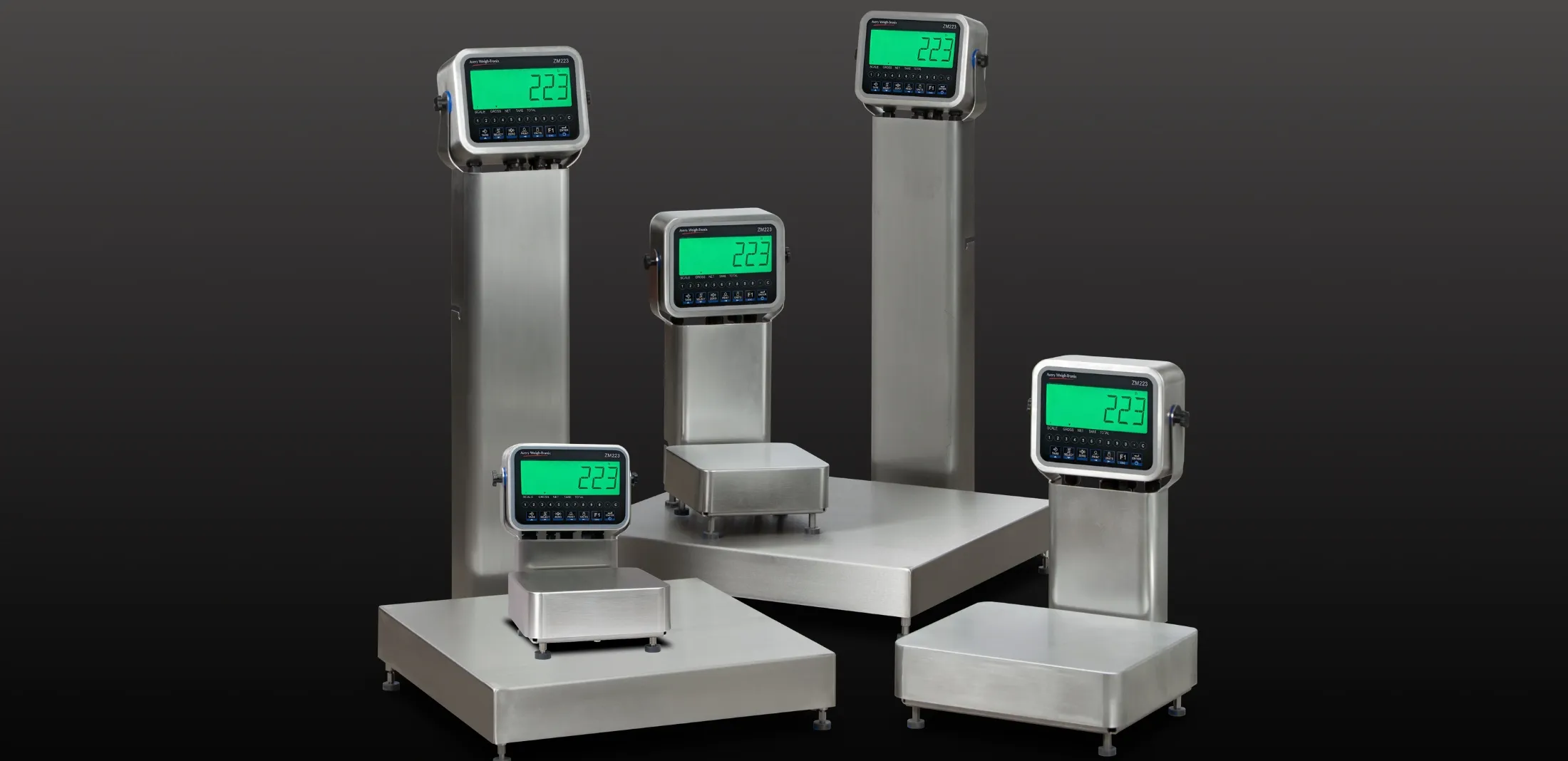
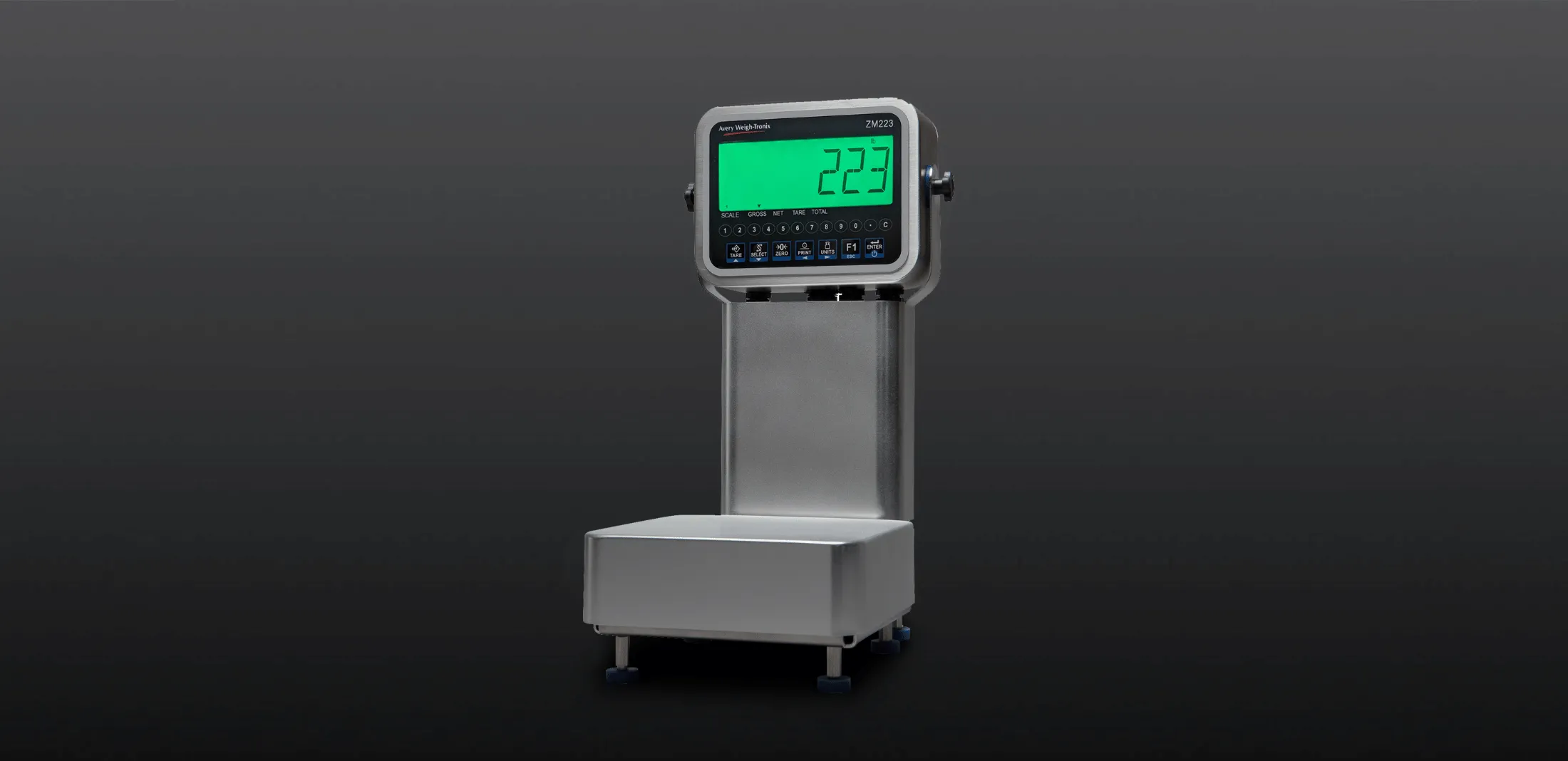
The smartest checkweigher system on the market
The ZM223 Checkweigher System delivers next-level connectivity and control with built-in Bluetooth® and seamless integration with the Remote Assist™ Mobile App, enabling remote operation and real-time data entry. Its web browser interface allows full-scale control from any PC on the same network—no extra hardware is needed. The connectivity features allow for remote handling of the indicator, making operations easier and faster.
Customizable UDF fields let you manage key data like customer info, part numbers, and setpoints tailored to your workflow. With support for HTTPS/MQTT and RESTful APIs, the ZM223 Checkweigher system can connect to cloud services and enterprise systems, offering a secure, accurate, and trusted solution.
Customizable applications for every checkweighing application

Spot Check with the ZM223
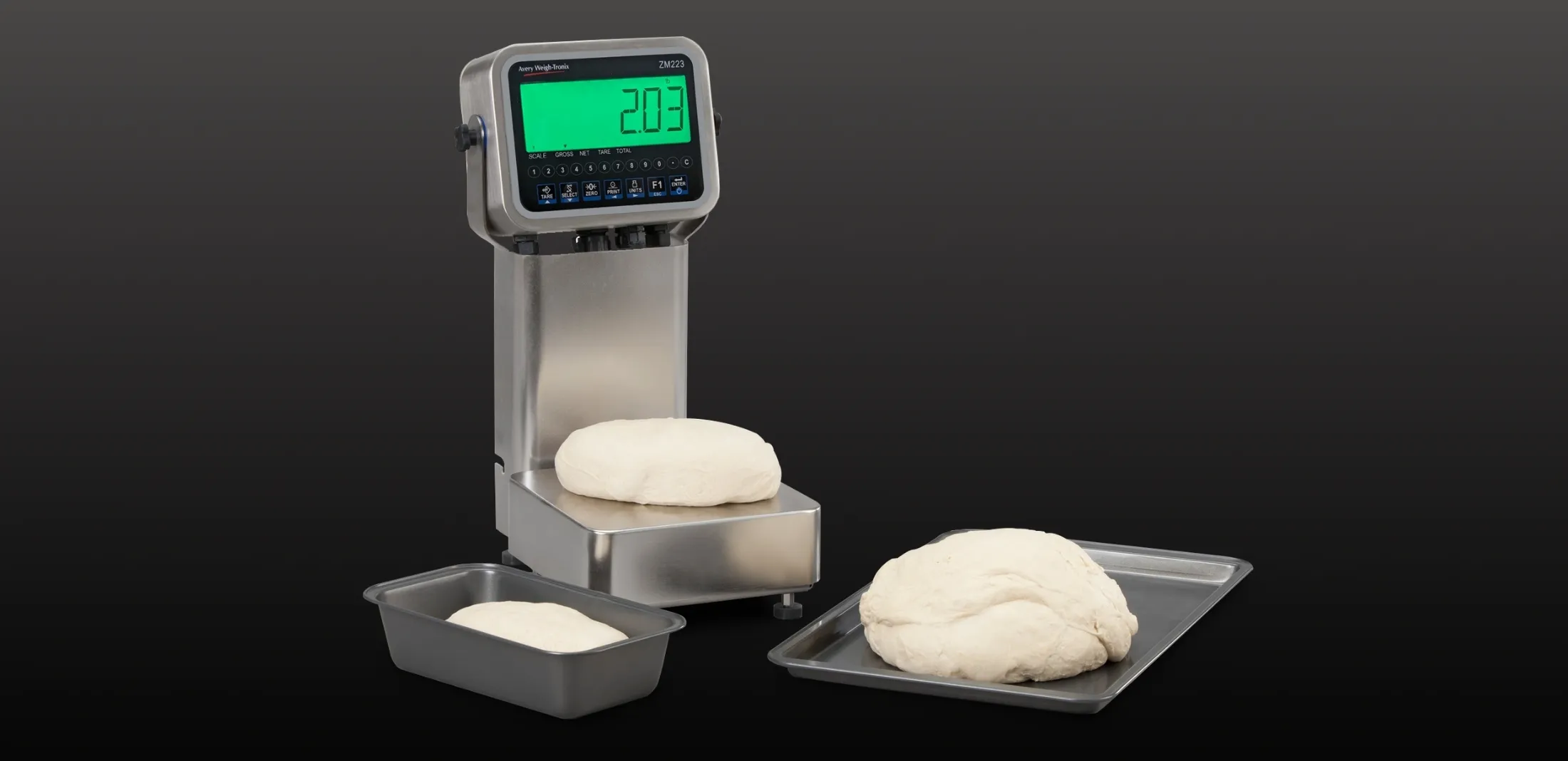
Food Production Processes with the ZM223
Find a weighing equipment supplier near me
We work with a network of reliable and trusted distribution partners to ensure that we can offer a truly personal, local service, wherever you’re located.